Menu bar app
Always available from the menu bar without a dock icon.
 macOS · Menu bar utility
macOS menu bar app that detects cat-like keyboard input and locks your Mac before damage is done.
Download for MacThe problem
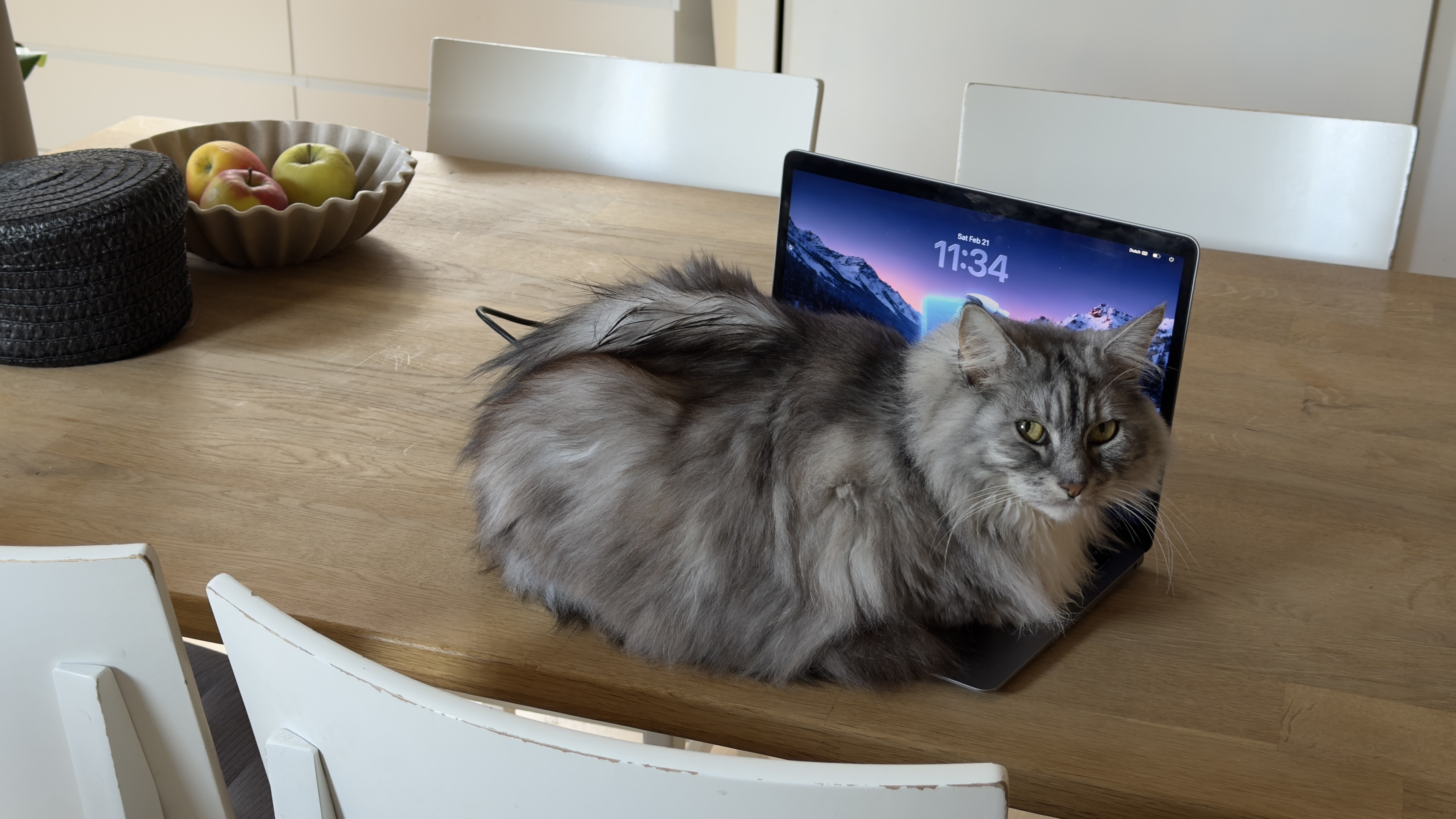
There are hundreds of millions of pet cats worldwide, and plenty of them share a desk with a laptop. Cats love warm keyboards. Owners love open documents, chats, and work that should stay intact when they step away.
You leave for coffee. The cat claims the keys. PawBlock watches for paw-like patterns and locks the Mac instantly. No dock icon clutter, no keylogging. Local only, with sensitivity levels and an optional paw counter.
Capabilities
One focused job: protect your Mac from curious paws.
Protection
Always available from the menu bar without a dock icon.
Tune detection from 1 to 5 for your keyboard and cat.
Locks the Mac when paw-like input is detected.
Optional count of blocked keyboard attacks.
Privacy
Uses Accessibility and CGEvent APIs without storing key content.
Everything stays on your Mac. Nothing is sent to a server.
Optional start with macOS so protection is ready when you open the lid.
Looks for multi-key and rapid paw-like input, not for what you type.
From annoyance to product
PawBlock is deliberately small. One utility surface, native macOS APIs, and a calm menu bar presence that stays out of the way until it is needed.
It is not on the Mac App Store. Apple declined it under Guideline 2.4.5 because Accessibility APIs are used for keyboard monitoring in a way they treat as beyond accessibility-only use. Rather than wait, we ship it as a direct download so cat owners can protect their Mac now.
Built with
Native macOS APIs for menu bar presence, event monitoring, and launch at login.
Native Mac interface with a light AppKit bridge where needed.
Menu bar status item and Mac-native chrome.
Low-level keyboard event observation for paw-like patterns.
Permissioned monitoring without storing typed content.
Optional launch at login.
Reactive state for settings and detection feedback.
Journey
Key moments in PawBlock’s journey.
Updates