If you work from home with a cat (or any curious pet), you’ve probably had it happen: you leave your Mac for a minute, and when you return, the keyboard has been “used”: random characters, deleted text, or even accidental shortcuts. PawBlock is a small macOS app I built to fix that: it watches for paw-like input and locks your Mac before the damage is done.
Why PawBlock Exists
I wanted a simple, focused solution: when something that isn’t me starts typing: multiple keys at once, keys in a line, or rapid key spam. The Mac should lock immediately. No extra windows, no complicated setup. Just a menu bar icon, optional sensitivity, and an optional counter of how many “paw attacks” have been blocked. That’s the idea behind PawBlock.
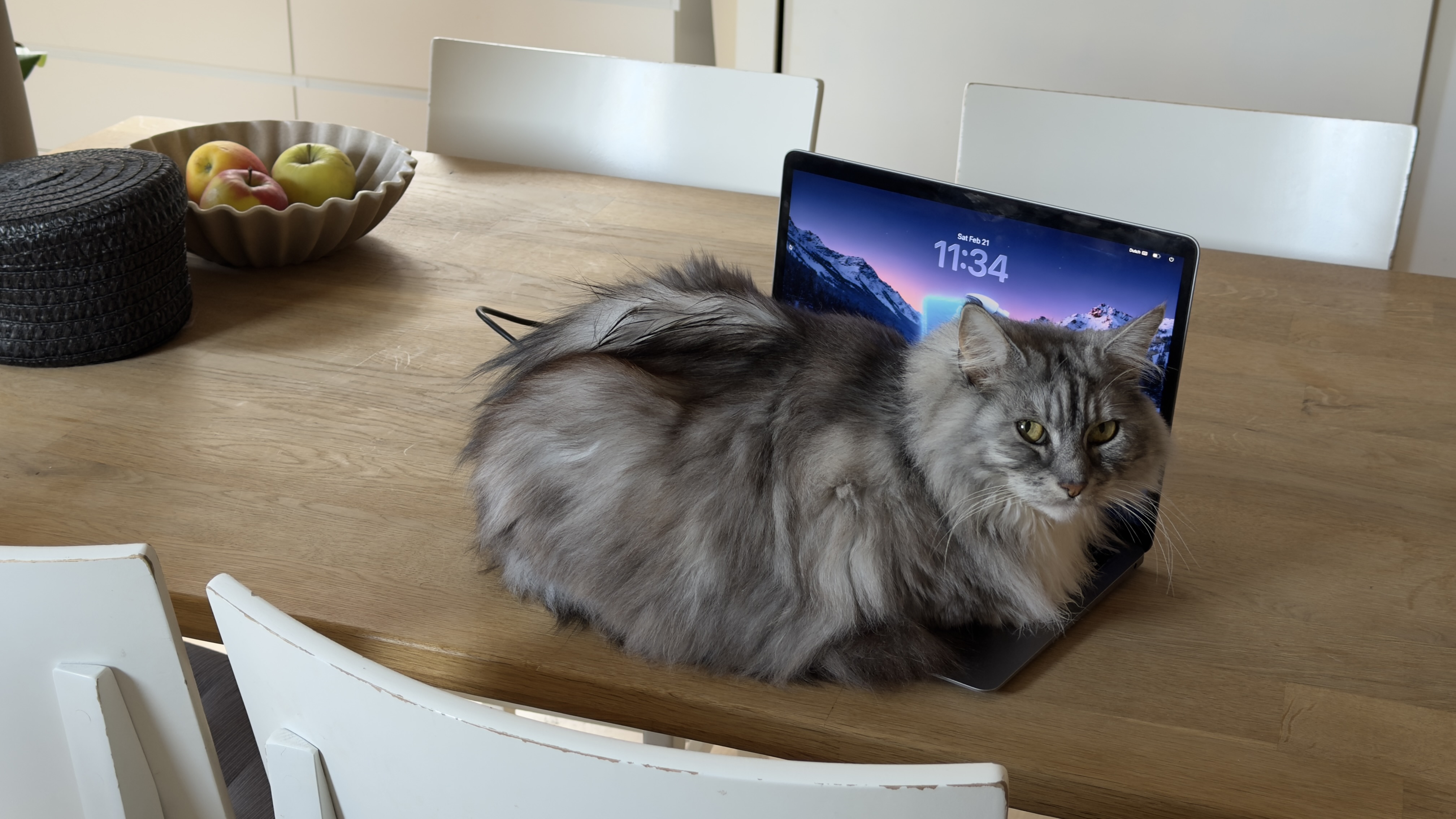
It’s not meant to replace your normal lock shortcut or Screen Time. It’s a safety net for the specific case: “I’m stepping away for a bit and I don’t want a cat (or toddler, or accident) to mess with my keyboard.” Lock once by hand when you leave for a long time; let PawBlock handle the short, unexpected walks away. In our case, that cat has a name: Muis.
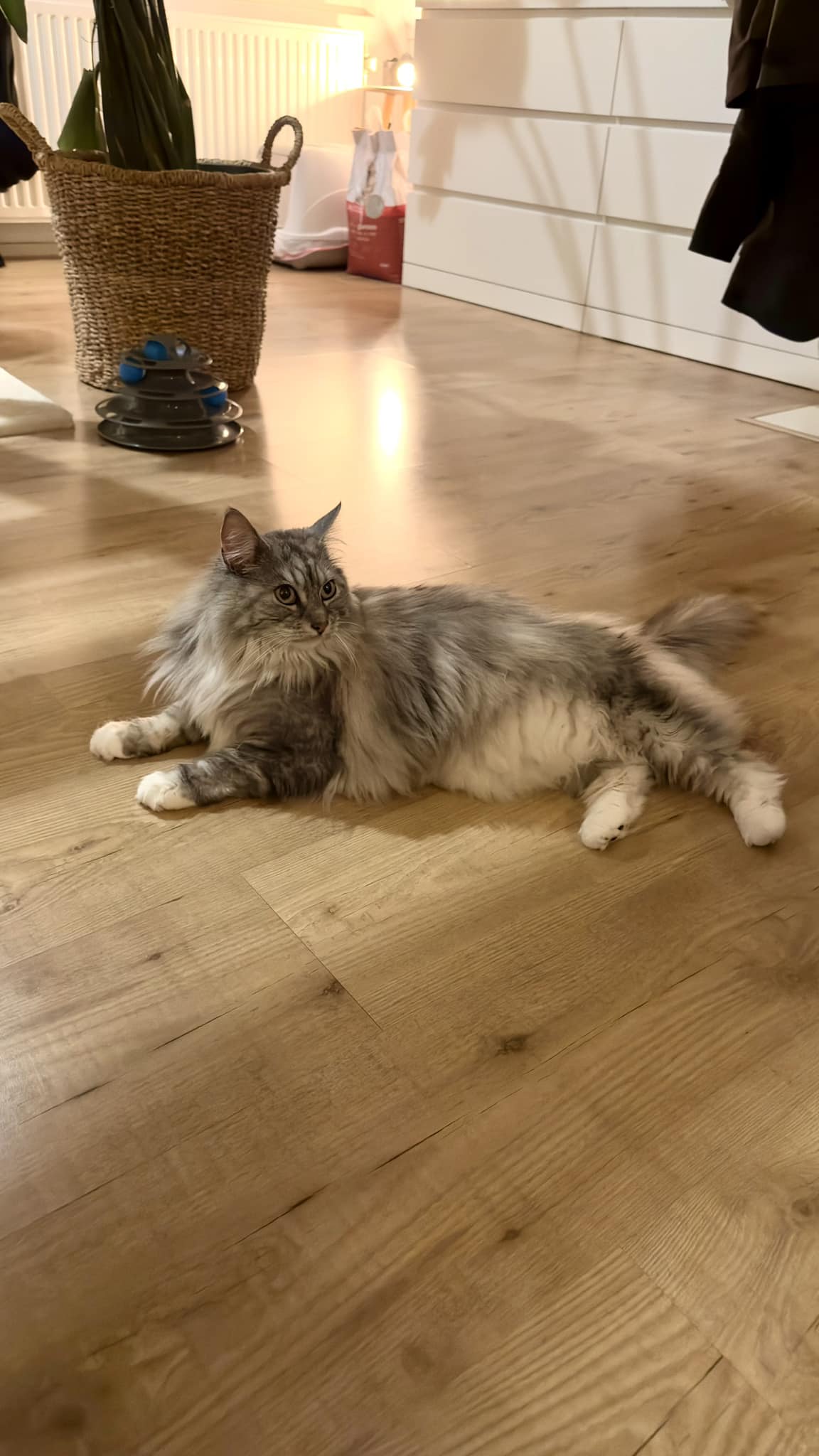
She’s our Maine Coon x Norwegian Forest cat and the unofficial third member of our team. She's incredibly affectionate and loves to join us when we’re working at the computer, sometimes curling up against the keyboard or playfully swatting at things.
The moment you step away, whether to grab coffee or use the bathroom, she immediately claims your spot and settles right on the keyboard as if she’s ready to write some code herself. While her development skills might not be quite up to par (she tends to create more bugs than she fixes), her presence brings warmth and a bit of humor to our workspace. PawBlock is the app we built for her, and for everyone else whose cat thinks the keyboard is a bed.
What It Does
PawBlock runs in the menu bar. It uses macOS Accessibility APIs to observe keyboard input. When it detects patterns that look like paws: several keys at once, keys in a row, or very fast repeated key events. It triggers the same “lock screen” shortcut your Mac already has (e.g. Control+Command+Q), so the screen locks right away. Your work is protected and nothing is stored or sent anywhere; everything stays on your Mac.
- Adjustable sensitivity (1–5): Tune how easily it triggers, so you get protection without false locks when you type quickly.
- Optional “paw attack” counter: A small, optional counter in the menu bar showing how many times PawBlock has locked the Mac.
- Single purpose: No companion apps or extra features: just detect and lock.
After installation, you grant Accessibility permission once so PawBlock can monitor input and send the lock shortcut. From then on, it runs quietly in the background until it’s needed.
Why a Menu Bar App
I wanted PawBlock to stay out of the way: no dock icon, no extra windows. A menu bar app was the right fit: always available, easy to open for settings or to turn sensitivity up or down, and easy to quit when you don’t need it (e.g. when the cat is elsewhere). The app is built to be minimal and reliable so you can forget it’s there until it saves you from a messy keyboard.
Release: Mac App Store vs Direct Download
I originally aimed for the Mac App Store. During review, Apple declined PawBlock under Guideline 2.4.5, because the app uses Accessibility APIs in a way they consider beyond “accessibility-only” use. I’ve submitted an enhancement request via Feedback Assistant, but that can take a long time.
Rather than wait indefinitely, I decided to release PawBlock outside the store. You can download it directly from my site as a .dmg. That way, anyone who wants this kind of protection can use it now, without depending on a policy change. If the situation with the App Store changes in the future, I’ll consider bringing PawBlock there as well.
Download for macOS
PawBlock Version 1
Protect your Mac from curious paws. Download the latest build or request installation help.
Get the latest public V1 build
Receive installation instructions by email
If you’ve ever come back to a screen full of random characters or lost work because of a curious cat, PawBlock is for you. Simple idea, small app, one job: keep your Mac safe from paws.