iOS · iPad · Creative utility

Paint by Code

Paint by Code

Turn photos into paint-by-numbers canvases. Color in the app or export and print at home.

Download on the App Store

The idea

A classic hobby, from your photos

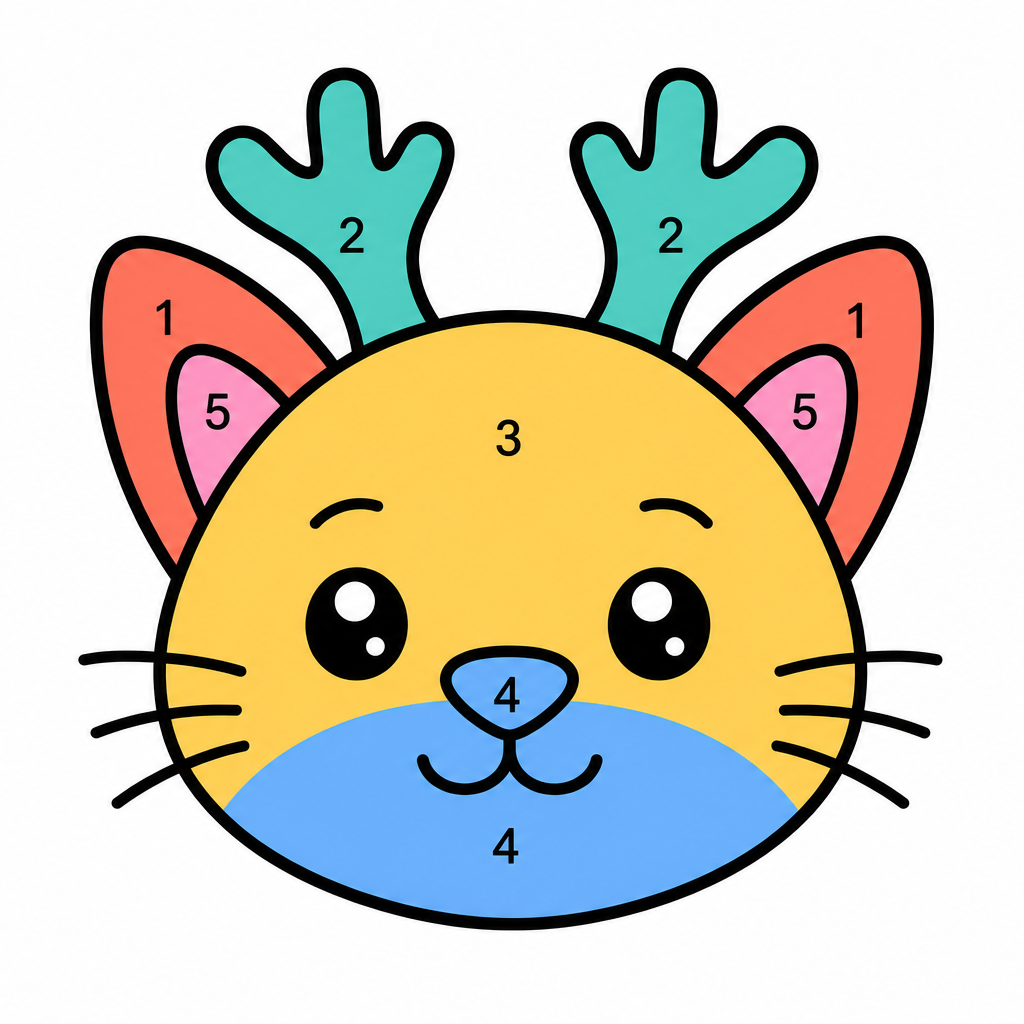
Paint by numbers is a classic hobby: a picture broken into numbered regions, each matched to a color on a legend. Fill the numbers and the image appears. The idea took off in the early 1950s and has stayed popular for about seventy-five years as a calm way to paint without starting from a blank canvas.

Paint by Code makes that old craft new again. Upload a photo, and the app turns it into a paint-by-numbers drawing: numbered regions plus a color legend. Paint in-app with Apple Pencil, or export for print sizes like A4 and Letter. No cloud required for the conversion.

Capabilities

What you can do

From photo to numbered canvas, without sending your images to a server.

Create

01

Smart region detection

Vision-based segmentation into paint regions.

02

Numbered canvas

Canvas and color legend generated from the photo.

03

Paint mode

Color in-app with PencilKit-friendly input.

04

Pencil matching

Match the legend to brands like Faber-Castell, Prismacolor, Bruynzeel, and Ohuhu.

Finish

05

Export and print

A4, Letter, and square export options for home printing.

06

Color & detail

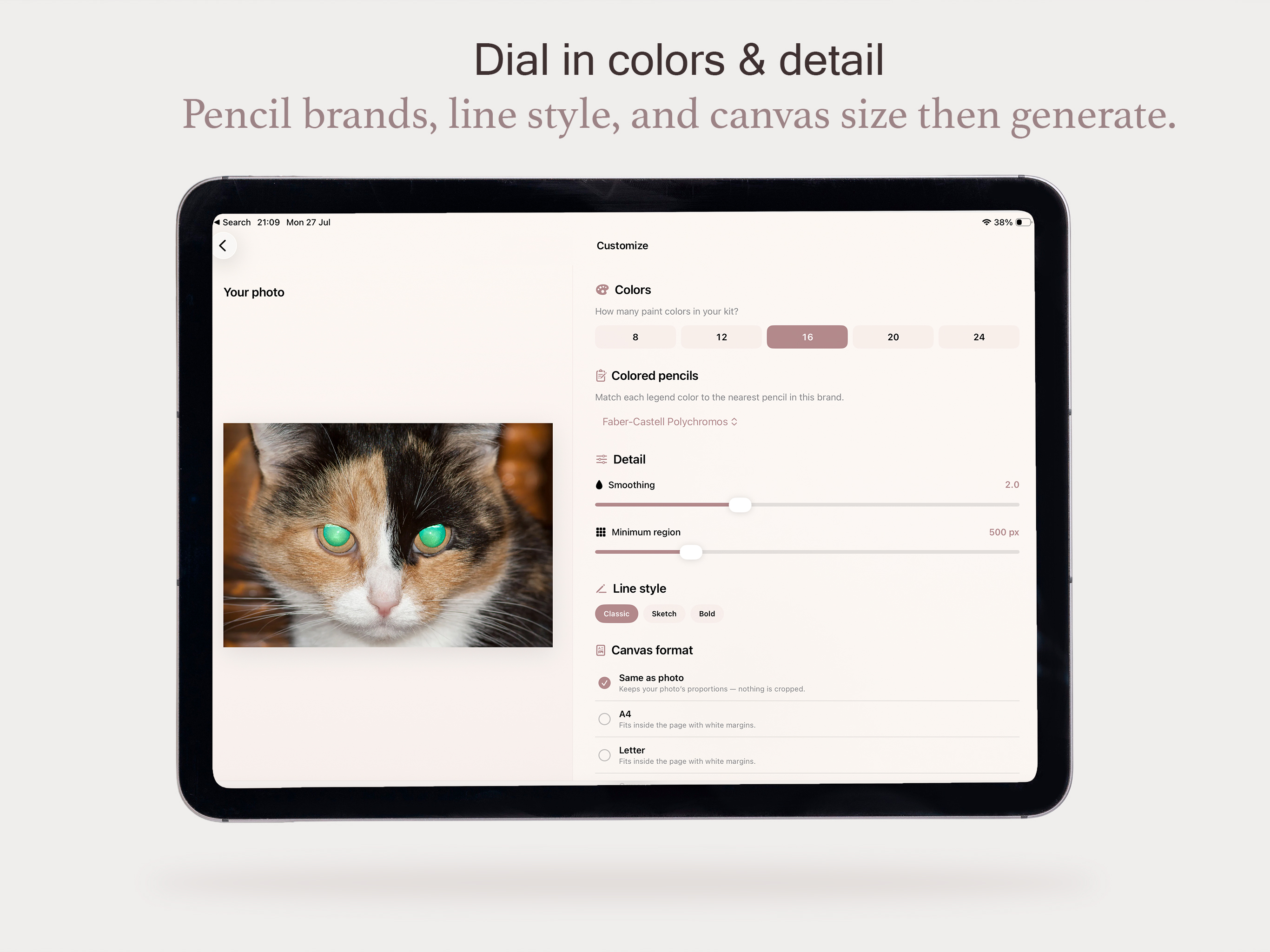
Tune color count, detail level, and canvas format before you paint.

07

Share sheet

Send exports to Files, AirDrop, or print from the iOS share sheet.

08

On device

Local processing and saves. No account, no cloud dependency.

From photo to craft

Making a creative hobby technical

Paint by numbers is tactile. Paper still wins when you want a finished piece on the wall. The iPad wins when you want to undo a stroke, zoom into a tight region, try colors before you commit, and keep every canvas in one place without wasting sheets.

Paint by Code keeps both paths open: paint in-app with Apple Pencil, or export and print for A4, Letter, and square. When you print, the color legend can match real colored-pencil brands such as Faber-Castell Polychromos and Prismacolor Premier, so the numbers map to pencils you already own. The conversion stays on device, so the hobby can stay offline and personal either way.

On iPad

From photo to numbered canvas

Three steps on the big screen: pick a photo, dial in detail, then paint or print.
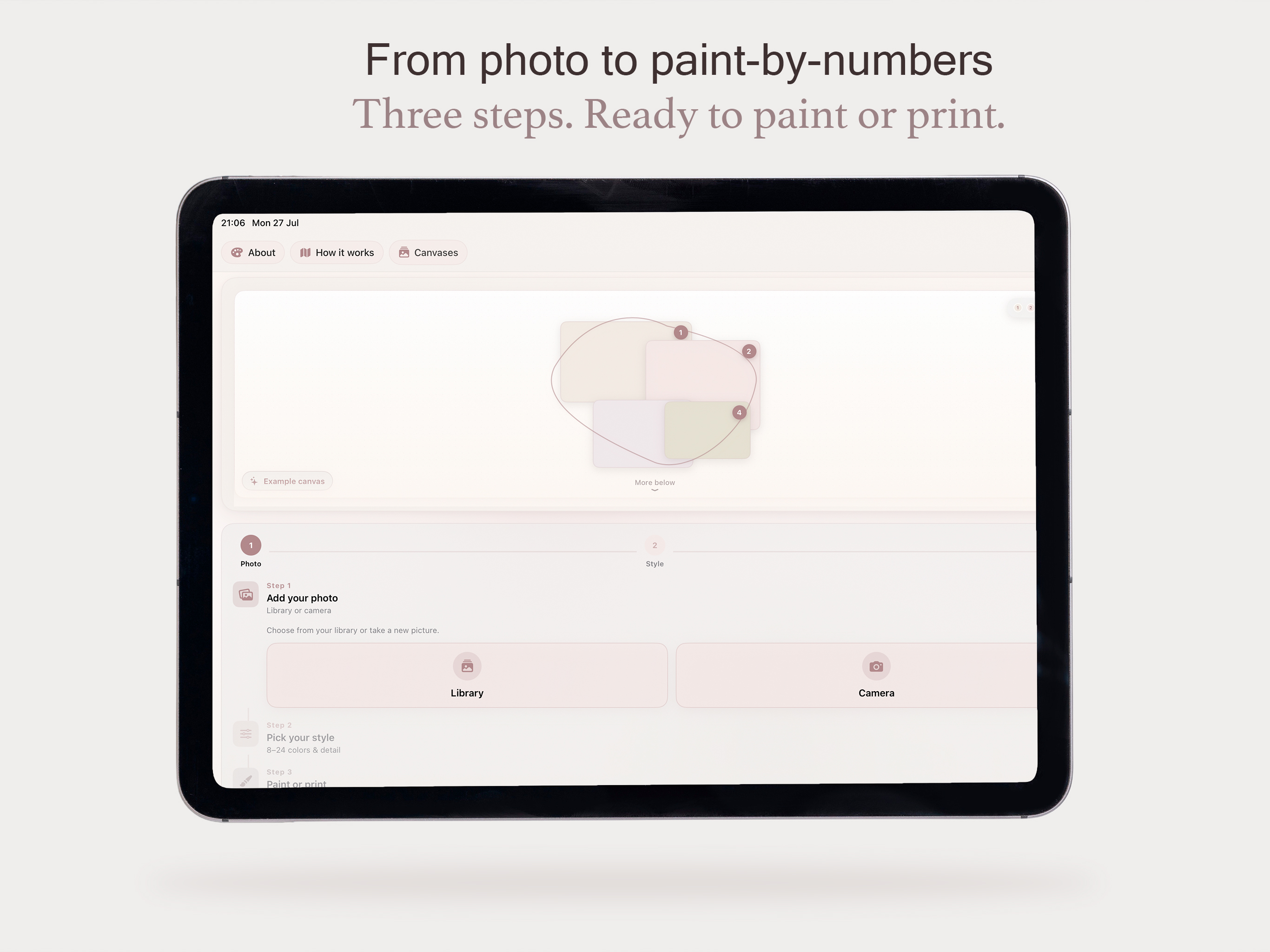
Paint by Code on iPad — from photo to paint-by-numbers in three steps
From photo to paint-by-numbers
Paint by Code on iPad — dial in colors and detail before processing
Dial in colors & detail
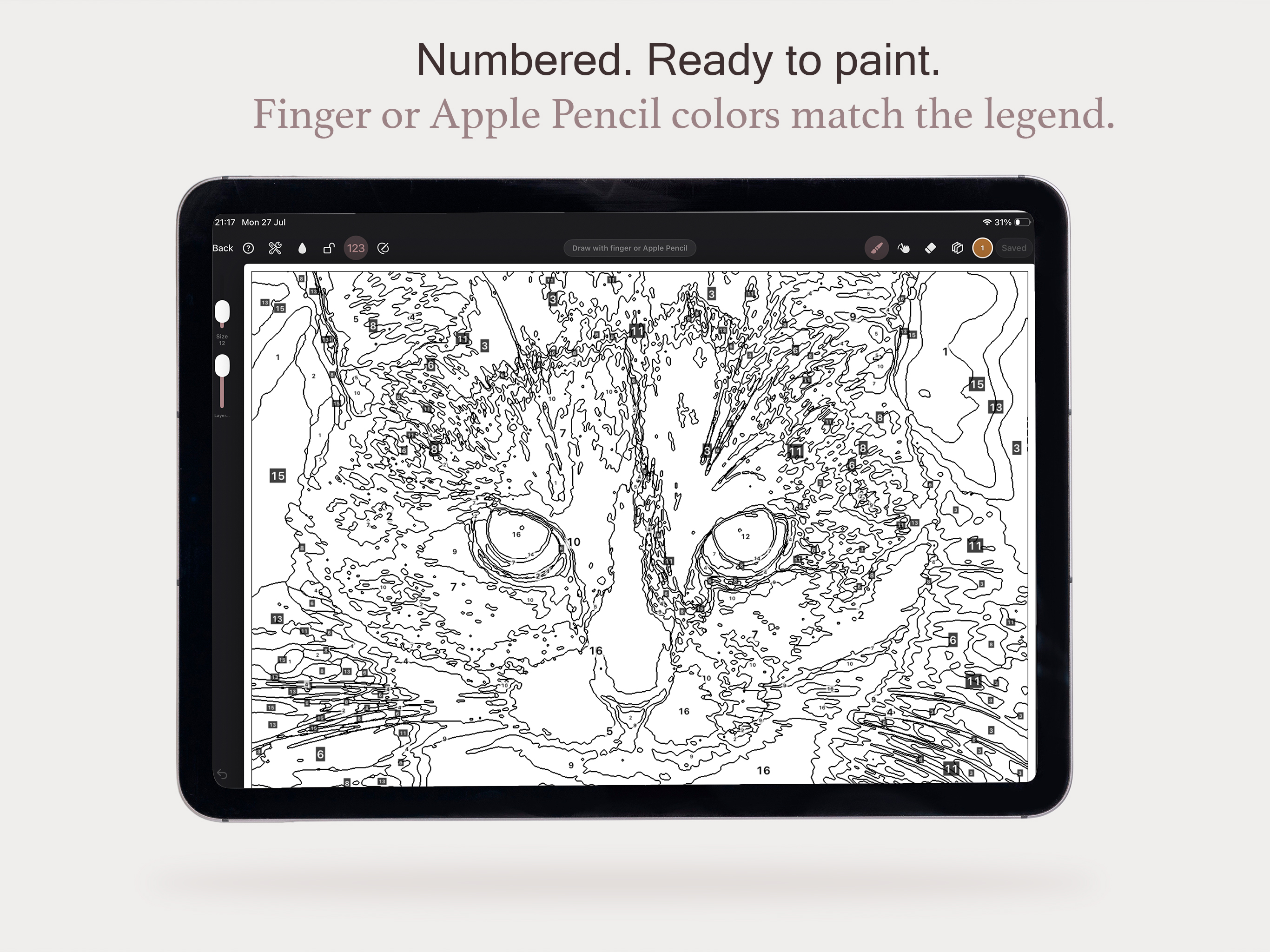
Paint by Code on iPad — numbered canvas ready to paint with finger or Apple Pencil
Numbered. Ready to paint

Built with

Tech stack

On-device image pipelines with Vision, Core Image, and PencilKit.

UI

SwiftUI

Native iOS and iPadOS interface for picking photos, painting, and exporting canvases.

Draw

PencilKit

In-app painting with Apple Pencil support, undo, and zoom-friendly strokes.

Vision

Vision

On-device region detection that turns a photo into paint-by-numbers areas.

Image

Core Image

Image processing for palette extraction and canvas generation from your photo.

Photos

PhotosUI

System photo picker so canvases start from images already on your device.

Canvas

Core Graphics

Numbered regions, legends, and print-ready layouts drawn on device.

Print

PDFKit

Export for A4, Letter, and square prints without leaving the app stack.

Share

ShareSheet

Hand exports to Files, AirDrop, or print through the iOS share sheet.

Privacy

On-device

Conversion stays local. No cloud account required for the photo-to-canvas pipeline.

Updates

Changelog

Another big step for Paint by Code: a real app home, full Dutch, gallery power tools, and a smoother Paint Studio.

Added

  • Tab bar — Create, Canvases, and Settings as first-class homes (Paint Studio / result stay fullscreen)
  • Language — System / English / Nederlands, with a full Dutch string catalog across Create, Customize, Processing, Gallery, Settings, Paint Studio, and export
  • Look presets on Customize — Poster, Soft watercolor, Bold comic (one-tap colors, smoothing, region size, and line style)
  • Before ↔ After compare slider on Your Canvas — drag to compare quantized photo vs painted result
  • Stats — quiet paint-time tracking (today, this week, active days, average, busiest day, week chart, library counts); no streaks or badges
  • App Settings — default pencil brand, Paint Studio defaults, new-canvas defaults, Resume tile, haptics, keep screen awake, preferred look, Rate, Send feedback
  • Firebase feedback — Settings → Send feedback writes to your Paint by Code Firestore project
  • Gallery folders — create, rename, delete folders; filter chips; move canvases into folders
  • Gallery multi-select — select many canvases, then Move or Delete
  • Gallery swipe-to-delete with confirmation
  • Clear selected photo on Create — dismiss preview and return to pick Library / Camera
  • Resume last canvas on Create — shows last opened (relative time) under the wizard
  • Collapsible Settings sections with live summaries when closed
  • About & how it works as one Settings row (was separate Create toolbar actions)

Changed

  • Create wizard redesigned — cleaner step flow, richer Library/Camera rows, look chips after photo pick, clearer Continue to Customize; iPad side-by-side layout
  • Create copy emphasizes digital coloring (not only print)
  • Create tab label in Dutch: Nieuw (instead of “Maken”)
  • Customize: step 3 of 3 header; photo preview removed so controls use full width
  • Paint Studio: pinch to zoom while drawing (1 finger / Pencil draws; pinch zooms; 2 fingers pan) — Zoom mode optional for one-finger pan
  • Gallery list layout — wider thumbnails, denser rows, horizontal header
  • Opening a saved canvas no longer freezes the UI (background load + “Opening canvas…”)
  • Export options sheet opens larger by default
  • Settings collapse animation stays inside its own card
  • Localization uses the active in-app language reliably (status tips, gallery counts, export titles, resume dates)

Fixed

  • Language switch no longer remounts the whole app (avoids SIGKILL / jetsam on device)
  • Dutch UI still showing English in Settings summaries, Create copy, resume dates, and Paint Studio status
  • Rate / review button: clearer behavior in Simulator vs live App Store review link
  • Canvas open felt stuck — heavy decode work moved off the main thread; gallery no longer decodes huge segmentation JSON just to list items

Removed

  • Example / teaser canvas on Create (tabs replace the old home chrome)
  • Separate Create toolbar for About / How it works
  • Tip strip under Create after Resume moved into the wizard flow
  • Draw / Zoom modes and expanded brushes
  • Layer lock, opacity, visibility, and reorder
  • Tap-to-fill by number and reference fade
  • Timelapse, print kit PDF, and paper guides
  • More reliable stroke saving and eraser
  • First release: photo to paint-by-numbers
  • Paint Studio with Apple Pencil support
  • My Canvases gallery
  • Line art PNG/PDF export with color legend